
Dashboard Purpose
The primary purpose of the Dashboard is to provide users with a comprehensive overview of key information and metrics relevant to their activities within the system.
Introducing a new feature: Time Tracking, where users can seamlessly record all their work activities.
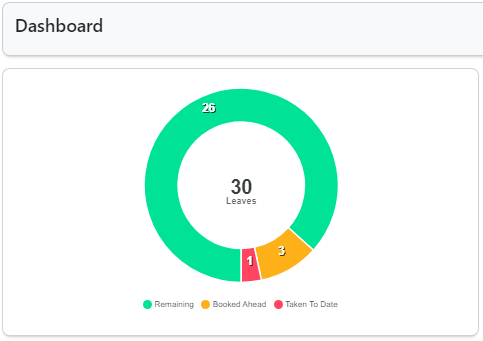
Manager Leave Statistics Chart
In this section, the Manager can conveniently view their total allocated leaves, remaining leaves, leaves booked in advance, and leaves taken to date. Each category will be displayed in distinct colors for enhanced visibility and clarity.
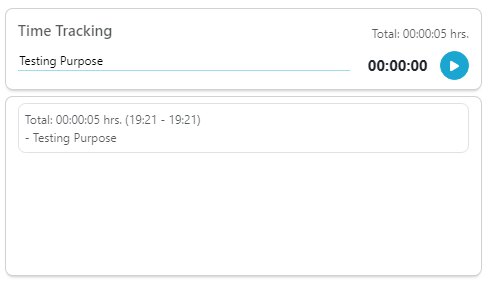
Time Tracking Section
In this section, the Manager has the ability to track their time by clicking the play button, specifying the task they are currently working on. The Manager can also pause the time tracking, and upon pausing, the recorded time will be displayed below. Additionally, the total hours will be shown above the play button for easy reference.
Leave Requests Section
In this section, the Manager will receive leave requests from employees. The Manager has the authority to either approve or reject leave requests, providing reasons for their decision if necessary.
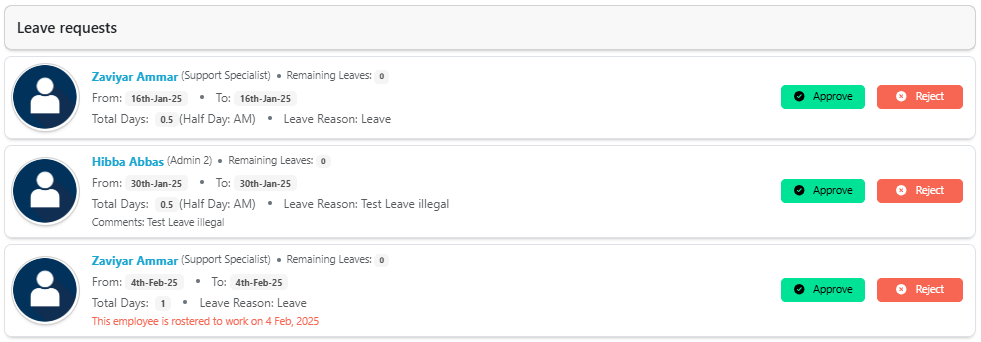
Note: Here, the user will see the Remaining Leaves, From Date, To Date, Total Days, and Leave Reason. Additionally, if the employee is rostered for the selected dates, it will also be indicated.
People on leaves soon
In this section, the Manager can view which employees are currently on leave and which Manager approved their leave requests.
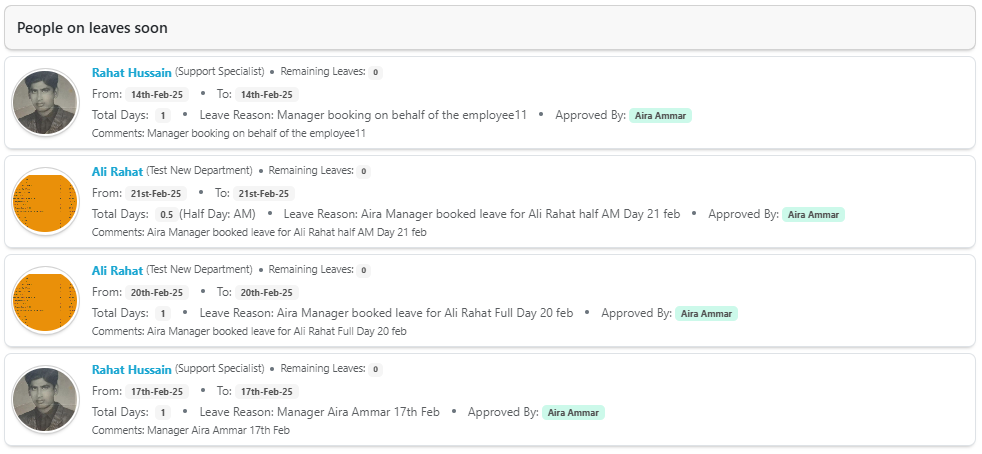
Note: The user can view the Remaining Leaves, From Date, To Date, Total Days, Leave Reason, Approved By, and Comments in this section.
People out today
In this section, the Manager can access information regarding employees who are currently on leave and identify which Manager approved their leave requests.

Note: The user can view the Remaining Leaves, From Date, To Date, Total Days, Leave Reason, Approved By, and Comments in this section.