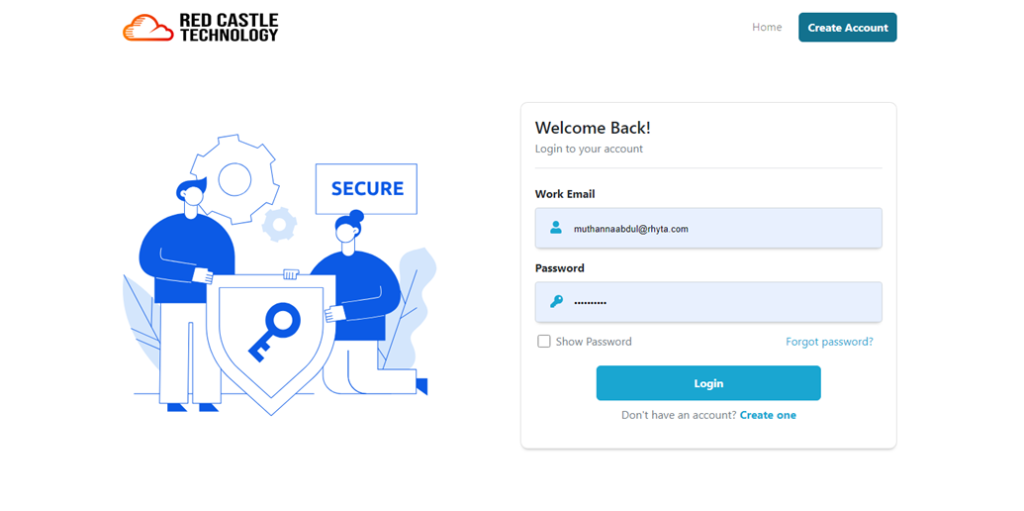
Please provide the email and password you established during registration to access the web portal securely.
Please ensure that you provide a valid Work Email along with the correct Password to access the system securely.
Forgot Password?
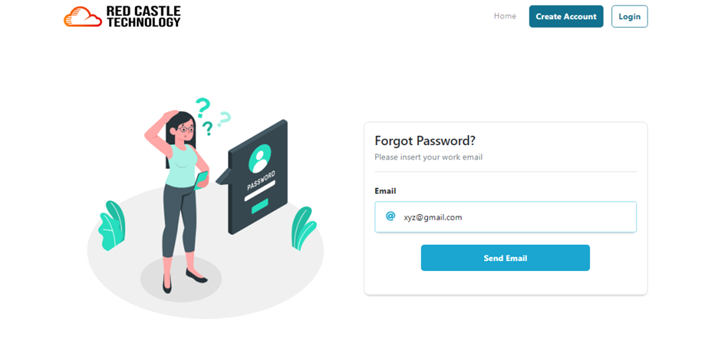
The user is able to retrieve his/her password by simply clicking on “Forgot Password?” button.
Users can conveniently retrieve their password by clicking on the “Forgot Password?” button.
Upon clicking the “Send Email” button, an email will be generated, containing a secure link enabling the user to reset their password at their convenience.
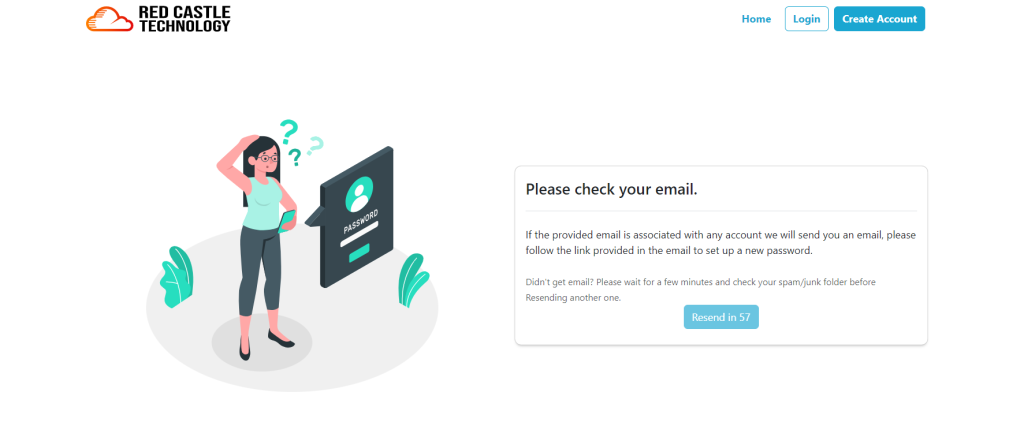
A timer of 60 seconds is provided to resend the email in case it was not received by the user.